

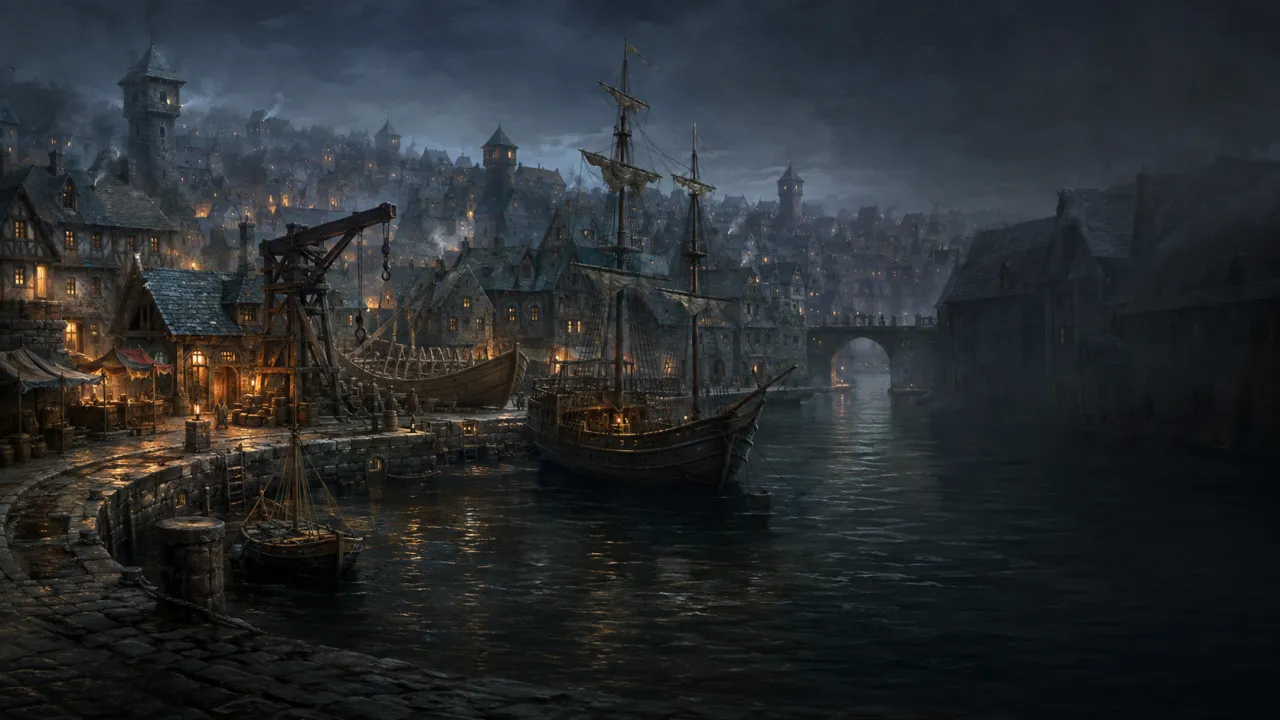
Everything it does, in the order of a session night.
From the prep you do on Sunday to the epilogue on the big screen. Filter by the screen it shows on, or jump to a chapter.
Before the session
Prep once, in a workspace built around how a campaign really grows.
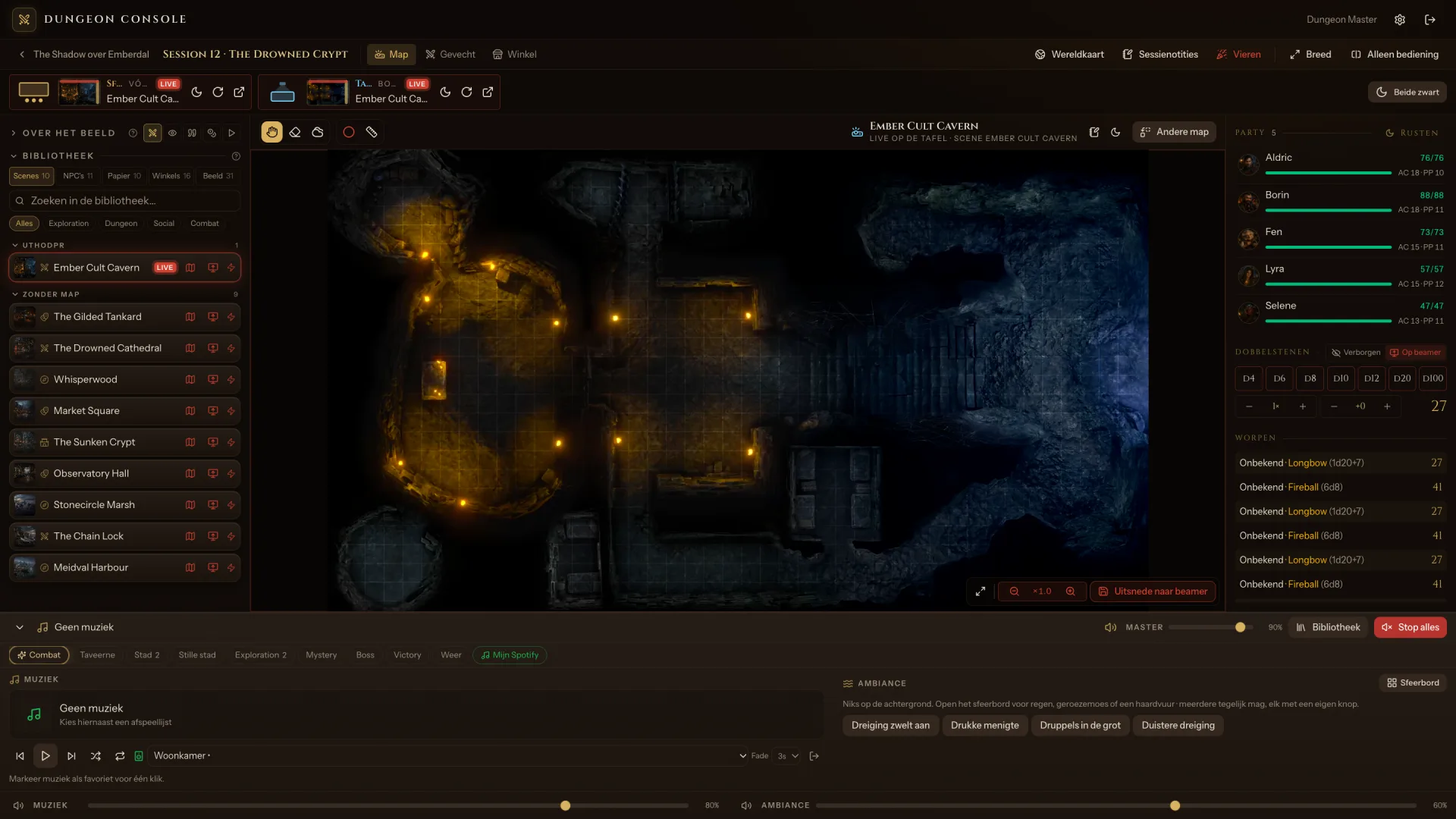
- Your campaign in one placeLaptop
- Sessions, scenes, the party, NPCs, handouts, maps, music and shops, each in its own tab.
- Scenes you start in one clickLaptop
- A scene remembers its battlemap, its mood image or video, its music, ambience and weather, and your notes.
- A library that stays findableLaptop
- Folders, search and your recent picks, however big the campaign gets.
- Bring your own artLaptop
- Battlemaps, mood images, world and city maps, as pictures or video. Drop a whole folder in at once.
- Fits your real tableLaptopTable
- Line the grid and the projection up with your own table, once.
- HandoutsLaptopWall
- Letters, maps and clues, ready to put on the wall when the party finds them.
- Notes and attendanceLaptop
- Private notes per session, and who is at the table tonight.
- Art prompts includedLaptop
- Ready-made prompts in one house style for portraits, NPCs, backdrops and battlemaps, for the image tool you already use.
The console and the two screens
One console on your laptop, a mood screen on the wall and a battlemap on the table.
- One consoleLaptop
- What the players see, your library, the map, the fight, the party and the dice, on one screen.
- Go live in one clickLaptopWallTable
- Pick tonight's weather and mood, and both screens and the music change together.
- Preview firstLaptop
- Look at anything privately before the players see it.
- Always in controlLaptopWallTable
- Black out a screen, or wake a stalled one, from your laptop.
- Scenes that breatheWall
- Moving light, embers and dust, warming up as a fight gets tense.
- Title cards and captionsWall
- Carve in a chapter title, or put a line of narration on the wall.
- Turns at a glanceWall
- Whose turn it is and what the enemies look like, without ever showing their exact hit points.
- Fog of warLaptopTable
- Paint it away from behind the screen; the table follows.
- Spell templatesLaptopTable
- A Fireball's reach lands on the table where everyone can see it.
The world map and the road
Bring your own world map, and travel it.
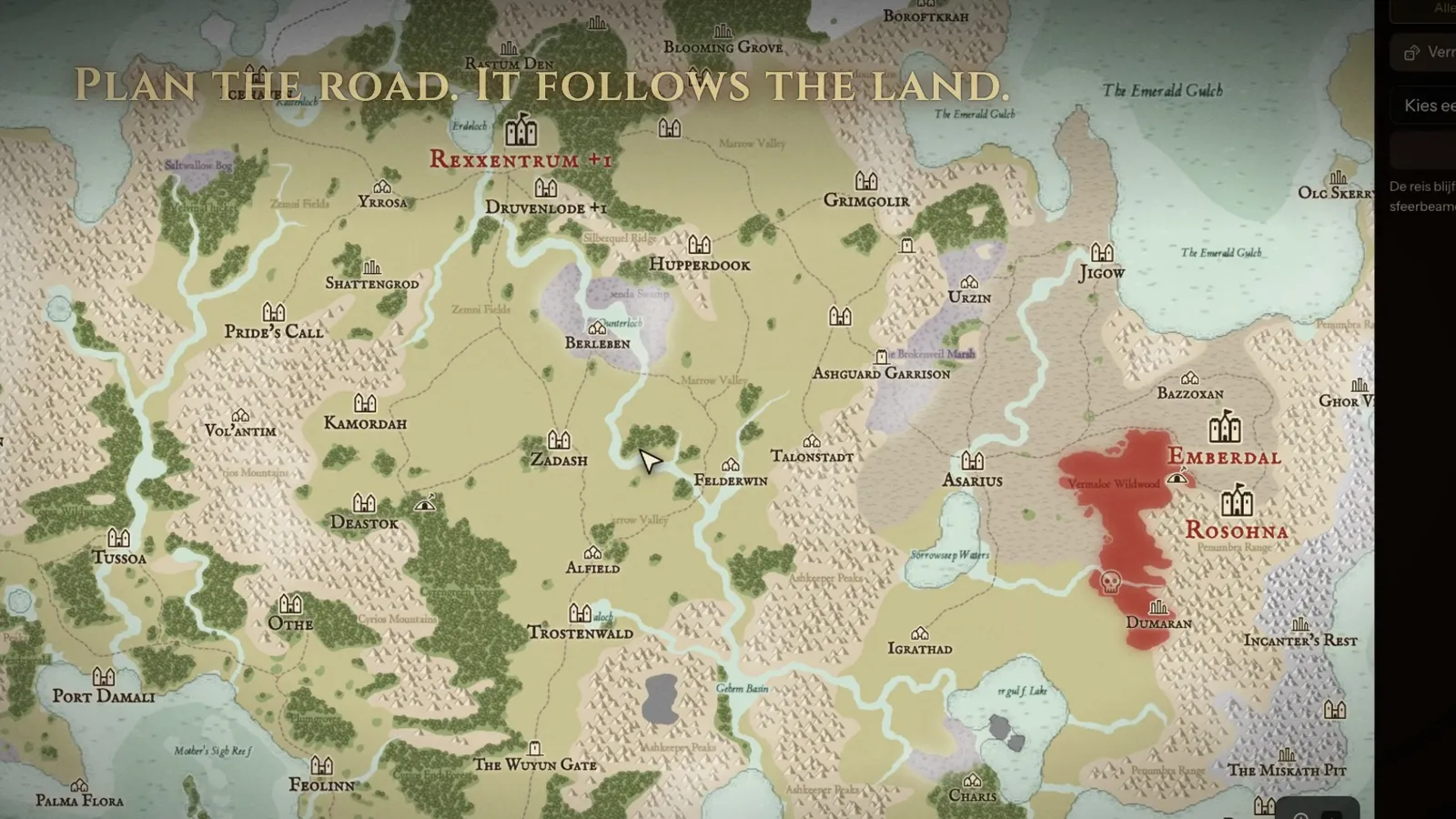
- Your world, inkedWall
- Your own map, styled like a cartographer drew it, with the places the party knows of.
- Plan the roadLaptopWall
- Plan a journey and travel it day by day, on the wall.
- Things happen on the wayLaptopWall
- Road events and sightings, and a road that can burn straight into the next fight.
- Towns up closeWall
- Zoom in on a settlement and its streets and walls appear.
The fight
From the first roll for initiative to the epilogue on the big screen.
- Fights you prepareLaptop
- Set up your encounters ahead, and what both screens show when they start.
- Initiative without the paperworkLaptop
- Type what the table rolled and the order is there. Damage, healing and conditions in a click.
- A boss gets an entranceWall
- The torches go out, the floor shakes, and the boss is named on the wall.
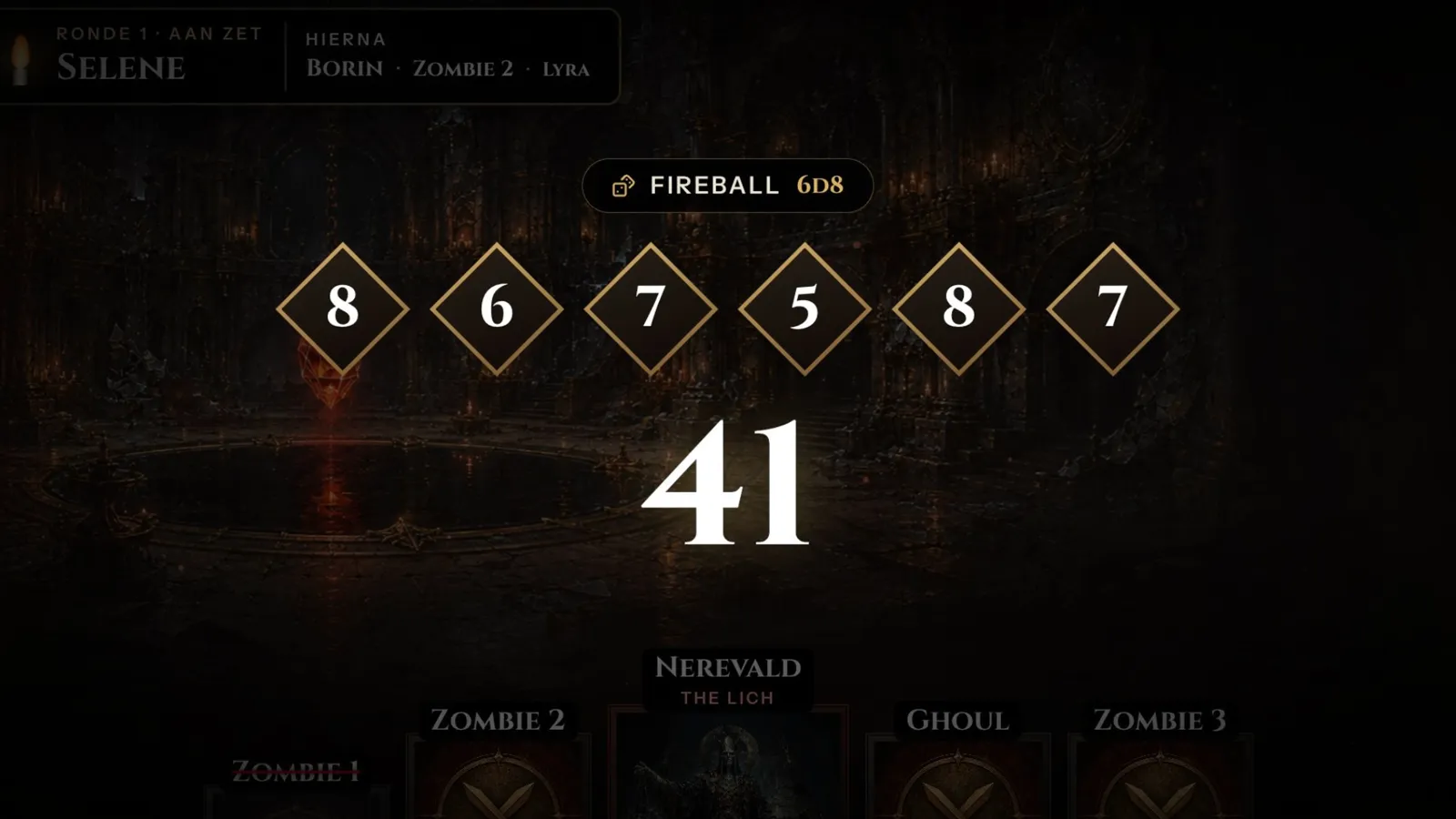
- Dice on the big screenLaptopWall
- Roll in secret, or let the dice land on the wall. Natural 20s get the drama they deserve.
- Every hit landsWall
- Hits shake the screen; fallen foes and fallen heroes get their moment.
- An epilogue for every fightWall
- The MVP, the boss slayer and the fight's best moments, on the wall when it is over.
Atmosphere and sound
Shops, weather, rests and music: the moments between the fights.
- Shops the table can readLaptopWall
- A themed price board on the wall, run live from your laptop.
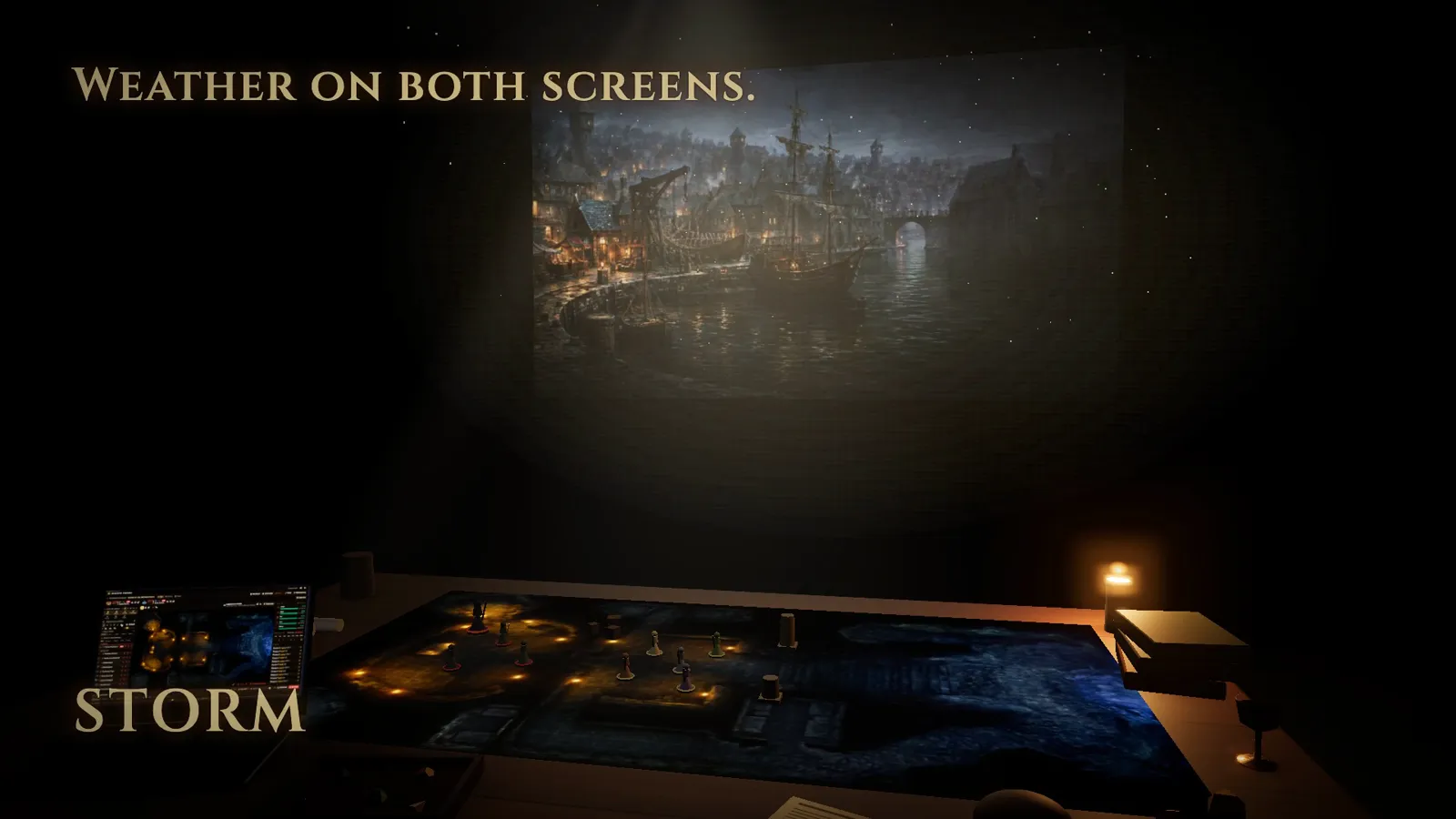
- Weather on both screensWallTable
- Rain, snow, mist, ash and storm, and you hear it too.
- Rest by the fireWall
- A short or long rest gets its own campfire screen and music.
- Level upWall
- A celebration on the big screen when the party grows.
- Music that fitsLaptop
- Pick a mood, or let the music follow what is on the wall.
- Layered ambienceLaptop
- Stack rain, wind and a crackling fire, each at its own level.
- Your own SpotifyLaptop
- Your playlists, right in the console.
- Needs: Spotify Premium
Your cast and the players
Monsters, NPCs and the party, and an optional app for the players.
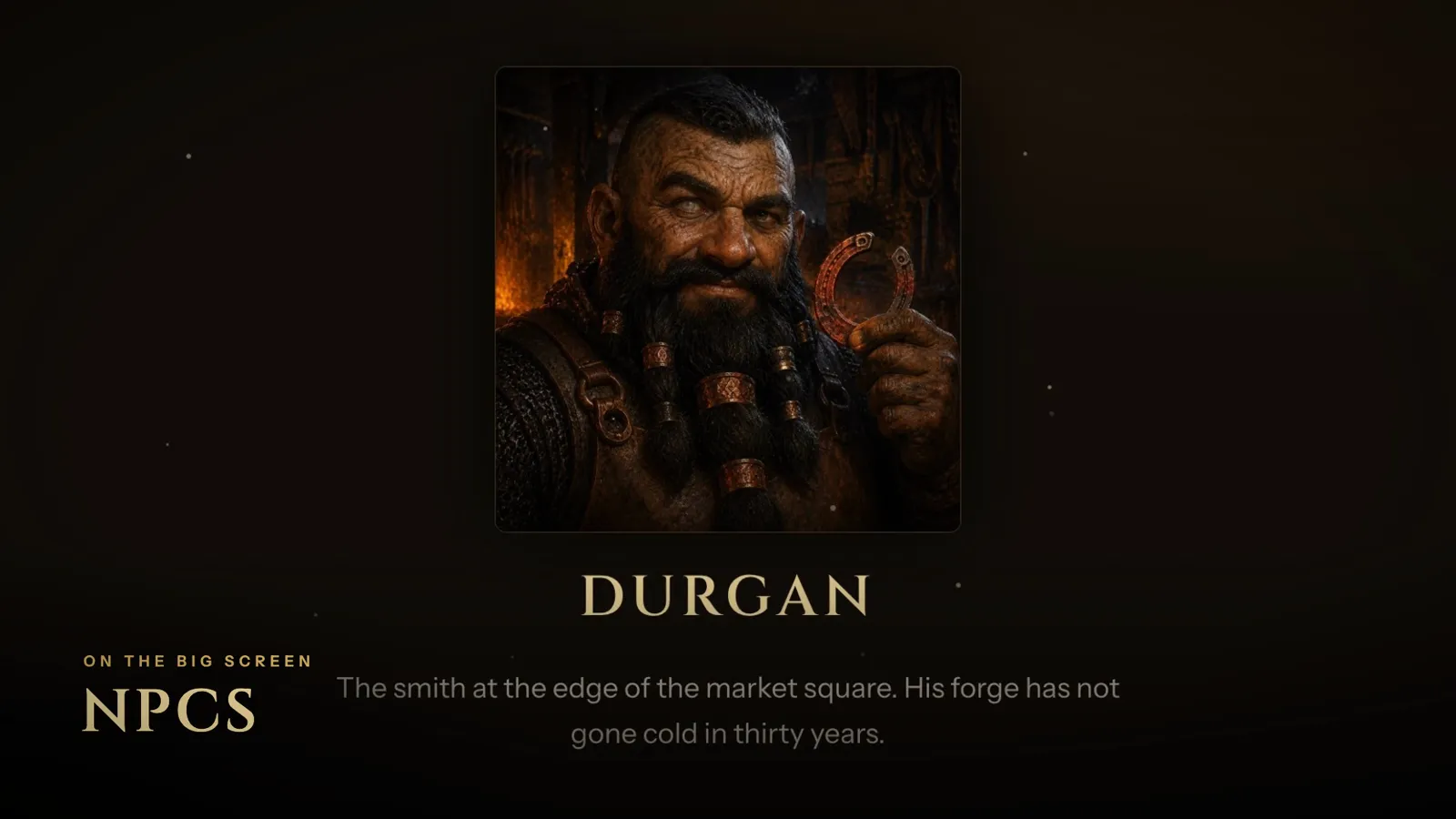
- NPCs with a faceLaptopWall
- Portraits and a line about them for the wall, your notes for you.
- A bestiary to start fromLaptop
- Search the open 5e monster library and bring in what you need.
- Statblocks from a photoLaptop
- Snap a statblock and it becomes a monster you can use.
- Needs: Your own Gemini or Claude API key
- Your party, importedLaptop
- Bring characters in from D&D Beyond, and keep an eye on everyone's hit points at a glance.
- Join with a codeOptional add-onPhone
- Players join with an invite link and claim their hero.
- A sheet in their pocketOptional add-onPhone
- Hit points, conditions, death saves, rests and their bag.
- Their turn, on their phoneOptional add-onPhone
- The turn order, and a nudge when it is their turn.
A whole session in 2:31.
From the first Fireball to the last epilogue. Jump to any chapter.
Want this at your table?
Spellcue isn't for sale yet. Join the waitlist and hear first when early access opens.